
Make your listing stand out - follow this guide
The homepage searches on your Clinic or Class Listing
You can add one or more clinic or class location pages, these are the most important to get right as the homepage searches on clinic and class pages, not personal profiles. If you offer home visits (are mobile) or do not want to give your full address for safety reasons thats fine, just move the address to a nearby spot. You can drag the map pin or enter an address with no house name or number.
Your Personal Profile tells potential clients about YOU
Selecting a person as a therapist can be daunting. On your Personal Profile page tell clients about you, your professional training, knowledge and experience. What can they expect when they book in? The more detail you provide the better.
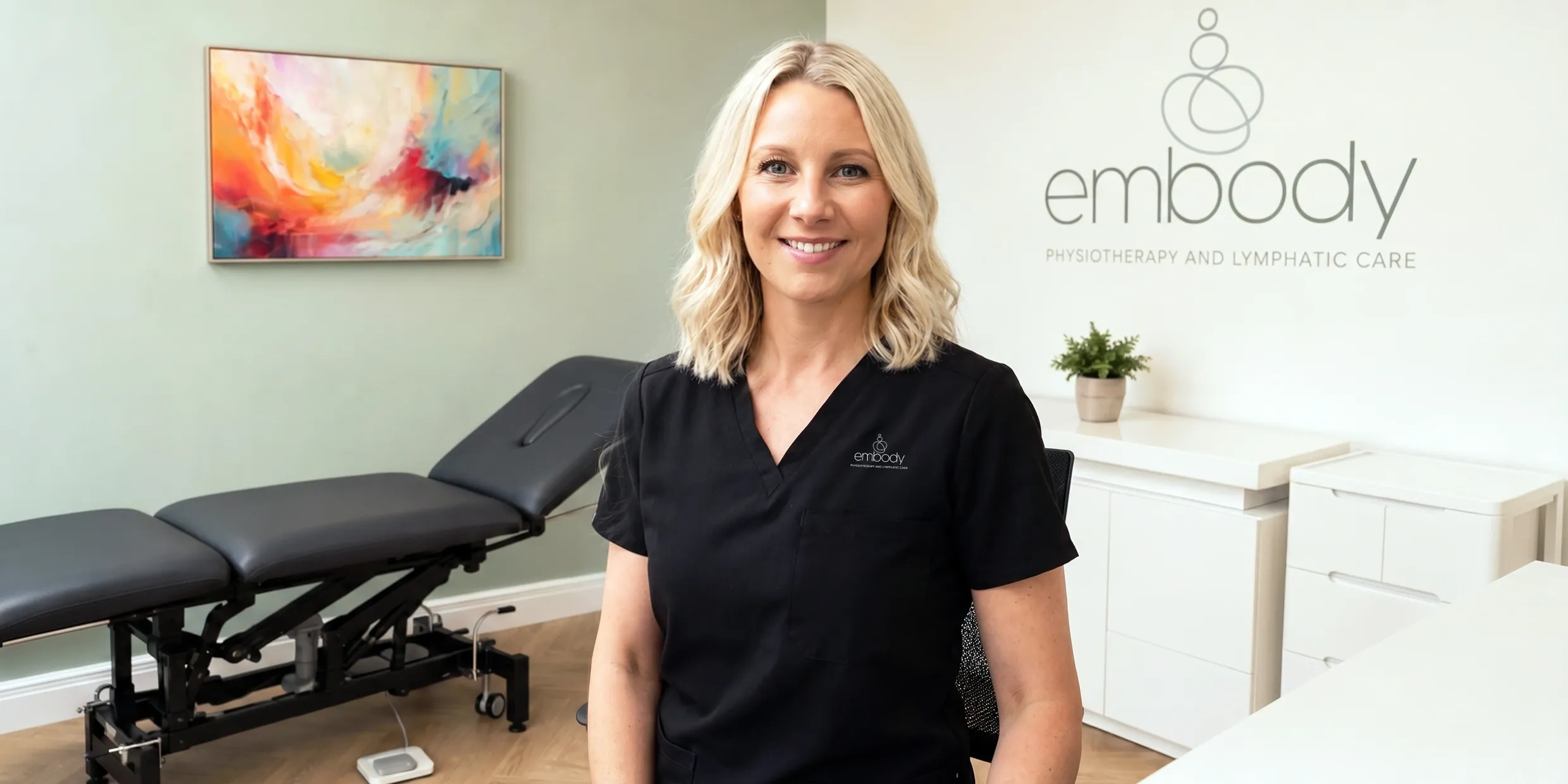
For your personal profile add a landscape photo with you in the centre so when viewed on a phone (portrait) or laptop (landscape) you will still be seen. This is a great example for one of our listed therapists.
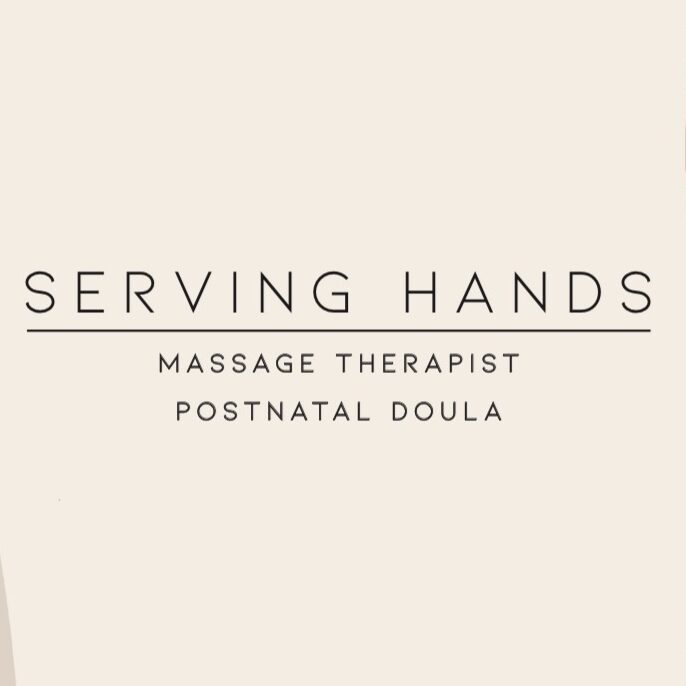
Your brand or clinic image should follow the same guidelines, it can be a square image but make sure the text or image is in the central area to be seen best on both a phone and a laptop.